KB5132057 Won't Install? Why You Can Just Skip It
By Unes (@unespc) · · 4 min read
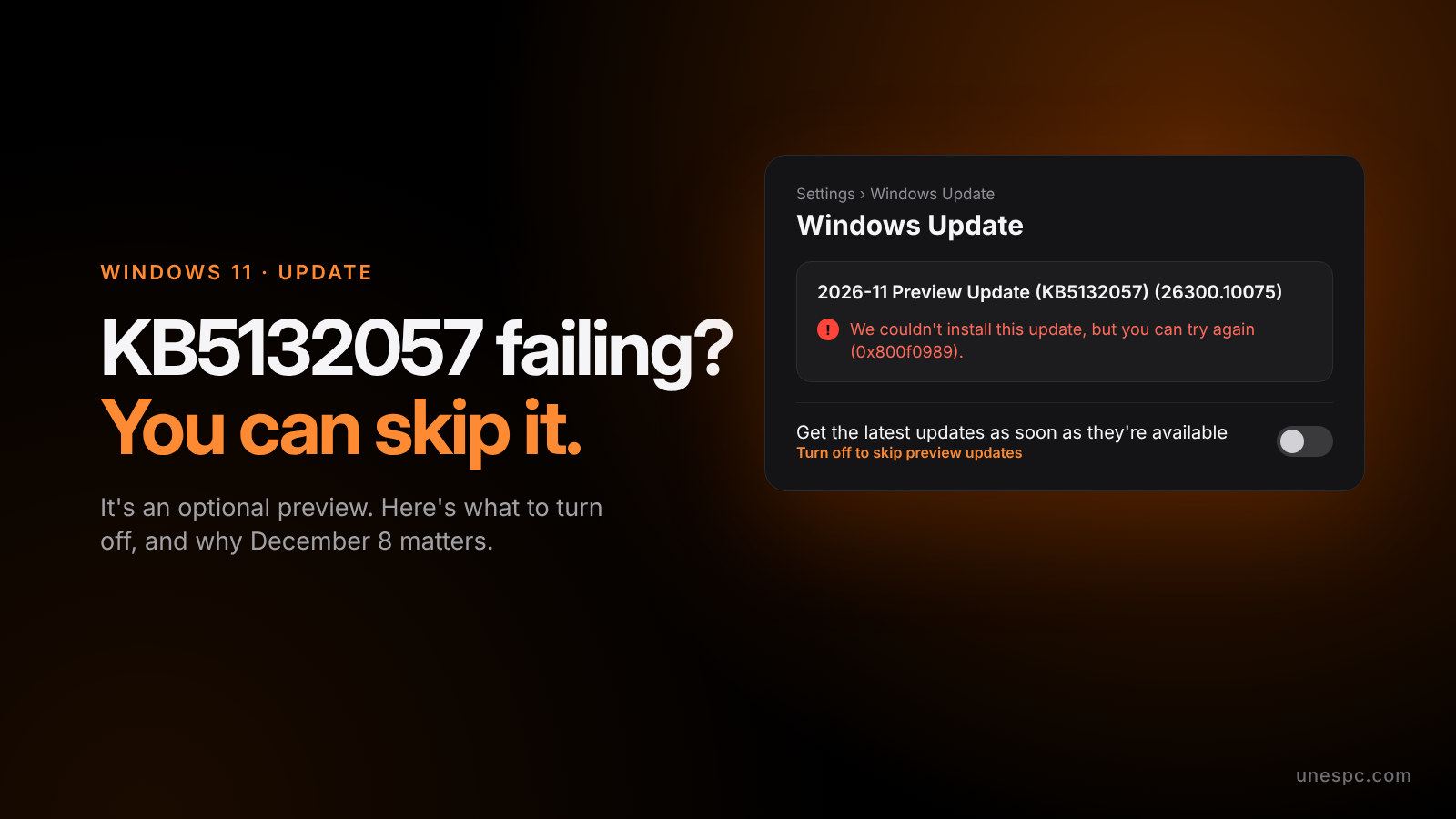
If Windows 11 keeps failing to install KB5132057, you can stop fighting it. It's an optional preview update, not a security patch, and its changes are expected to land in the regular December 8 Patch Tuesday update anyway. The fastest fix is to turn off Get the latest updates as soon as they're available in Windows Update so it stops getting offered.
That's the advice from Microsoft's own community advisors, and from Windows Central and Neowin. Here's what's going on.
What is KB5132057?
It's the November 2026 preview update for Windows 11 versions 25H2 and 26H2, released November 19. Microsoft's release notes list it as OS builds 26300.10075 and 26200.10075.
The headline feature is a redesigned Windows Search. Microsoft says it shows results in "a single, simplified list" and lets you do things right from search, like turning on dark mode or Bluetooth, adjusting brightness or muting your PC, without opening Settings. It also previews files and handles typos better, and it's starting in English first.
There's more in there too, per the same notes:
- A redesigned Run dialog, which you can turn on in Settings > System > Advanced.
- Windows Hello face sign-in can now brighten your screen in a dark room.
- Quick settings in Xbox mode's navigation bar.
Microsoft also notes it's rolling some of this out gradually, so even if the update installs fine, you might not see the new Search right away.
What errors are people getting with KB5132057?
The most common message is "We couldn't install this update, but you can try again," followed by an error code. On Microsoft's Q&A forum, people have posted 0x800f0989 and 0x800f0993, and Windows Central rounded up others including 0xc000012f, 0x800f081f and 0x800736b3.
The annoying part is that Windows' own fix doesn't always help. In both of those threads, the person says the Windows Update troubleshooter wouldn't even run.
How big is it? Probably not huge. Windows Central says it doesn't look too widespread, and Neowin says it seems less widespread than October's update, which also failed for a lot of people until Microsoft fixed it. As of today, Microsoft's release notes don't list the install failures as a known issue.
Is it safe to skip KB5132057?
Yes. On Microsoft's forum, a community advisor replied to both threads that it's "a November optional preview update that you can safely skip," and that the full version comes on the second Tuesday of December. That's December 8.
And skipping it doesn't leave you exposed. Microsoft's Windows Update guide says that whether the early updates toggle is on or off, "you'll still get the regular security updates as usual." The preview is just early access to non-security stuff.
One more detail almost nobody mentioned: Microsoft says there won't be a December preview update at all because of the holidays, with normal servicing picking back up in January 2027. So after December 8, it's quiet for a bit.
How do I stop Windows from offering preview updates?
This is the advisor's fix, and it matches Microsoft's own instructions.
On your PC:
- Select Start, then Settings, then Windows Update.
- Turn off the toggle Get the latest updates as soon as they're available.
- Restart your PC.
That stops Windows from pulling in optional preview updates early. You'll still get the regular monthly security updates.
If you really want the new Search now, Microsoft's troubleshooting guide says to start with the built-in troubleshooter:
- Select Start, then Settings, then System.
- Select Troubleshoot, then Other troubleshooters.
- Find Windows Update and select Run.
Microsoft also says to back up your files before trying the deeper fixes. Honestly, for an optional preview, I wouldn't go further than this.
If digging through Windows' error logs isn't your thing, it's literally why I built FixKon. Its free Diagnostics page pulls failed updates and crashes out of the Windows logs into plain English, with one-click repairs like SFC and DISM, so you're not typing commands at 2am.
My take
Skip it. I get the temptation, the new Search sounds legit, especially doing stuff like toggling Bluetooth straight from the search box. But chasing an optional preview through error codes and PowerShell isn't worth it when the same features are about 10 days out in a normal update.
What bugs me is the pattern. This is the second month in a row a Windows 11 update has failed to install for a chunk of people, per Neowin, and the error message just says "try again" like that'll work. For most people, the move is to turn off the early updates toggle and let Windows ship the finished version. Preview updates are basically public beta testing, and you didn't sign up to be a tester.
If your PC is also slow to boot after all these updates, I covered how to stop apps opening at startup. And make sure your security basics are covered while you're in there, like whether Windows Defender is enough.
Did KB5132057 fail on your PC, or did you get the new Search?
FAQ
What is KB5132057?
It's the optional November 2026 preview update for Windows 11 versions 25H2 and 26H2, released November 19. Its main feature is a redesigned Windows Search.
Should I install KB5132057?
You don't need to. It's optional and not a security update, and its changes are expected in the December 8 Patch Tuesday update.
How do I fix error 0x800f0989 or 0x800f0993?
The simplest fix is to skip it: turn off "Get the latest updates as soon as they're available" in Windows Update and restart. If you want it anyway, try the Windows Update troubleshooter first.
Will I miss security updates if I turn off early updates?
No. Microsoft says you'll still get regular security updates either way.
I cover Windows updates like this in quick videos on Instagram and YouTube, and the Discord is where people report what's breaking. Want your PC handled for you? Get FixKon here.